The Measurement Problem
ChatGPT visibility isn’t a single keyword rank.
It’s a pattern: across many prompts, over time, with different wording.
So you need a system, not a screenshot.
What you can (and should) measure
- Mention rate: does your brand appear when it should?
- Accuracy rate: is the brand described correctly (category, ICP, differentiators)?
- Citation rate: are you cited or linked as a source when search is used?
- Share of recommendation: when asked for “best X,” are you in the shortlist?
- Competitor adjacency: do you appear in comparison prompts (and is it fair)?
- Traffic: are you actually getting clicks from ChatGPT?
See Also : How to Show Up in ChatGPT: Entity Signals, Content Structure & Citations
Build a prompt library (the right way)
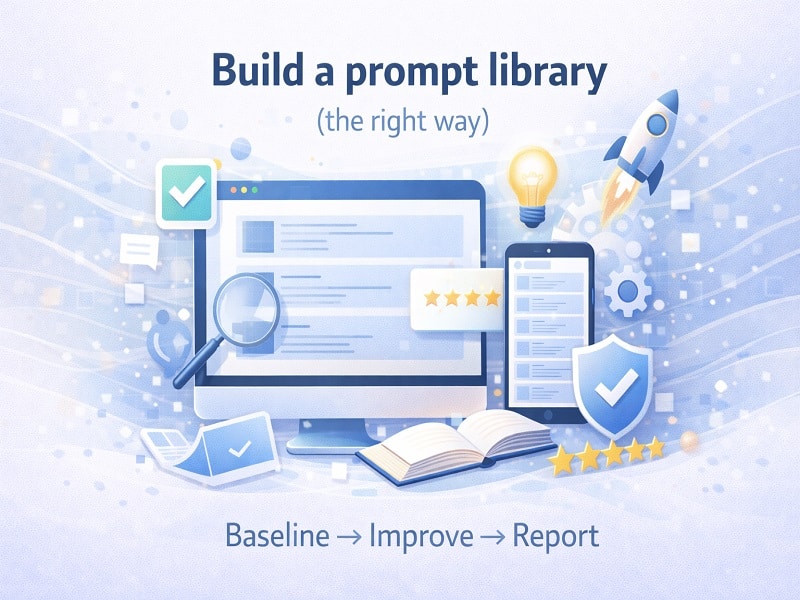
Your prompt library is your new keyword set – but it’s closer to a sales script than a SERP report.
Create prompts across 6 buckets:
- Definition: “What is [Brand]?”
- Category discovery: “Best [category] for [ICP/use case]”
- Alternatives: “Alternatives to [Competitor]”
- Comparison: “[Brand] vs [Competitor] for [use case]”
- Trust: “Is [Brand] legit? Pros/cons.”
- How-to: “How do I do [job] with [category/tool]?”
Write each prompt in 3 variations:
- Short and blunt (search-like).
- Conversational (chat-like).
- Constraint-heavy (budget, region, industry, compliance).
Scorecard: keep it stupid simple
Here’s a starter scorecard structure you can copy into a sheet:
| Metric | Definition | Scoring |
| Mention | Brand appears in answer where relevant | 0/1 |
| Accuracy | Category + ICP + differentiator correct | 0-2 |
| Citation/link | Brand site or authoritative profile is cited | 0/1 |
| Recommendation | Brand is suggested as an option | 0/1 |
| Context fit | Recommendation is for the right use case | 0-2 |
| Notes | What was missing / wrong | Text |
Baseline -> Improve -> Report (the loop)
- Baseline: run the prompt set and capture outputs (date-stamp everything).
- Improve: pick one lever per week (entity, content, authority, technical).
- Re-test: rerun the same prompts in the same environment.
- Report: show deltas, not anecdotes.
Important: treat prompts like tests. If you change the prompt, you changed the test.
See Also : Authority Layer: PR, Co-Citations, Reviews & Third-Party Validation
Track referral traffic from ChatGPT
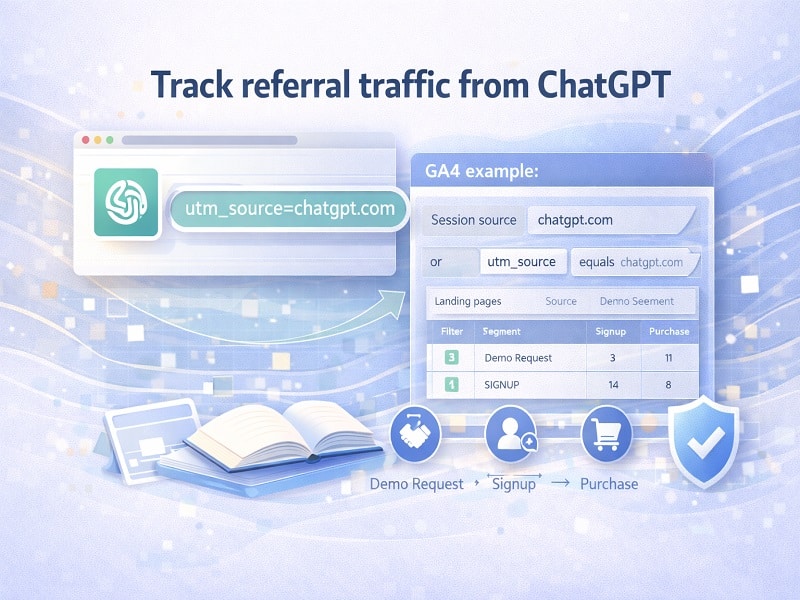
OpenAI’s publisher guidance states that ChatGPT includes the UTM parameter utm_source=chatgpt.com in referral URLs, enabling tracking in analytics tools. [1]
Practical setup (GA4 example):
- Create a segment where Session source contains “chatgpt.com” or utm_source equals “chatgpt.com.”
- Track landing pages from that segment (what content actually earns clicks).
- Tie that traffic to conversion events (demo request, signup, purchase).
This is how you stop arguing about “visibility” and start measuring business outcomes.
Don’t ignore citations
ChatGPT search responses include inline citations and a Sources button. [2]
So in your prompt library, add a column called “Source type” and track:
- Were you cited? (Yes/No)
- What URL was cited? (Your site? Wikipedia? A directory? A news article?)
- Was the cited page the one you’d want a buyer to read?
If the model is citing a random old PDF about you from 2019, that’s not a win. That’s a warning.
See Also: Technical Layer: Crawlability, Schema & Structured Signals
Use a Tool
Use a tool like LLMtel.com to track what matters.
Optional: measure “web-citable formatting” on your pages
If you build content intended to be quoted, validate that it’s actually quote-friendly.
- Answer block appears near the top (1-2 sentences).
- Definitions are explicit (X is Y).
- Comparisons are structured (tables, bullets).
- Evidence links point to primary sources, not vibes.
OpenAI’s web search tooling explicitly frames web search as providing sourced citations. [3] That’s the behavior you’re designing for.
References
[1] OpenAI Help Center. “Publishers and Developers – FAQ.” (accessed Feb 1, 2026).
[2] OpenAI Help Center. “ChatGPT search.” (accessed Feb 1, 2026).
[3] OpenAI API Platform Docs. “Web search.” (accessed Feb 1, 2026).
About The Author