Measuring GEO Without Fancy Tools (A Practical Scorecard for Citations, Mentions, and Invisibility)
Everyone wants an “AI Overviews report” that tells you exactly where you showed up and why.
You may not get that neat a dashboard.
But you can still measure GEO in a way that is consistent, actionable, and honest.
This article gives you a scorecard system you can run with a spreadsheet and a little discipline.
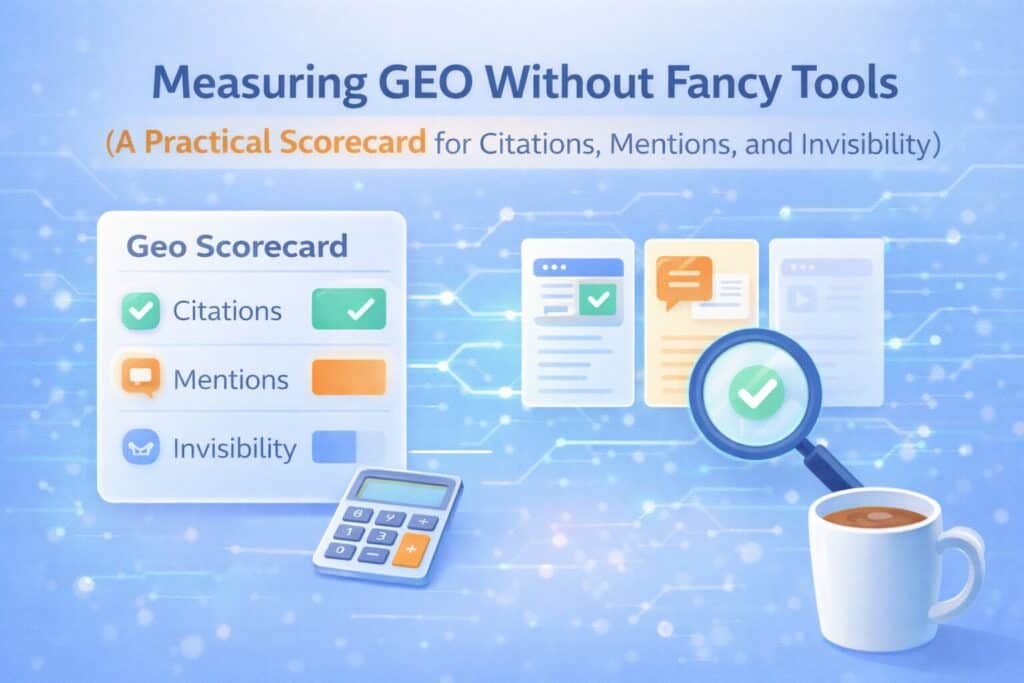
Measure outcomes, not feelings
Start with the three outcomes that matter for each prompt:
- Cited: your page is linked as a source.
- Mentioned: your brand appears but you are not linked.
- Invisible: you do not show up at all.
Those three buckets tell you exactly what to do next.
Build a simple GEO scorecard
In your prompt universe spreadsheet, add:
- Best page on your site for the prompt (URL)
- Content type (Answer Asset, hub page, comparison, troubleshooting)
- Last updated date
- Outcome score (Cited = 2, Mentioned = 1, Invisible = 0)
Now you can calculate a monthly score without pretending you have perfect attribution.
How often should you check prompts?
Monthly is enough to start. Weekly is overkill for most teams.
Choose a consistent day (first Monday of the month, for example) and do the check the same way every time.
Use Search Console like an adult (even without perfect AI reporting)
Search Console is still useful because AI-driven search experiences often roll up into overall search performance reporting.
What to do in practice:
- Create a page group: your Answer Assets, hubs, and comparisons.
- Track impressions, clicks, and queries for that group over time.
- Annotate big publishing moments (new cluster launched, major refresh, new data asset).
- Watch for query expansion: are you starting to get impressions for “vs” and “alternatives” terms?
Search Console will not tell you everything. But it will tell you enough to see direction.
Engagement is your quality filter

Not all traffic is equal. If GEO works, you should see:
- Higher time-on-page for Answer Assets and comparisons
- More demo requests/contact forms from those pages
- Fewer bounces driven by mismatched intent
If you get more clicks but worse conversion quality, your pages may be getting surfaced for the wrong prompts. Adjust titles, definitions, and FAQs.
See Also: Month 6 – GEO Governance (Systemize, Refresh, and Defend Your Visibility)
What to do when you are “Mentioned” but not “Cited.”
Mentioned is not failure. It is a gift.
It often means the engine recognizes your brand but did not trust your page as a source for that specific answer.
Fixes to test:
- Create a dedicated Answer Asset for that prompt (if you do not have one).
- Make the answer easier to extract (definition, bullets, steps, FAQ).
- Add corroboration (sources, examples, third-party confirmation).
- Improve internal linking so the engine can find the best page.
How this supports the pillar plan
Measurement is how you choose what to build in Months 2 and 3, and what to refresh in Months 5 and 6.
For the full month-by-month roadmap, return to the main article: “The Lean In-House GEO Program (6-Month Plan).”
References
- Search Engine Land – “What is generative engine optimization (GEO)?”
- Princeton (KDD 2024) – “GEO: Generative Engine Optimization”
- Google Search Central – “AI features and your website.”
- Google Search Help – “AI Overviews in Google Search”
- Bing Blog – “Introducing Copilot Search in Bing”
- Perplexity Help Center – “How does Perplexity work?”
- Google Blog – “Generative AI in Search” (May 2024)
About The Author