You know how important Facebook is. Whether you run a B2B business or a B2C business, you should have a Facebook business page for your fans. In this post
You’ll learn how to:
#1 – Sign up for Facebook.
Open up the Facebook for Business Page:

Sign into Facebook. If you don’t have a Facebook account, sign up.
#2 – Create a Page
In the top right corner, there is a ‘Create Page’ button. Click on it:

#4 – Select Your Type of Page
Choose a category and a Page name that represents your business.
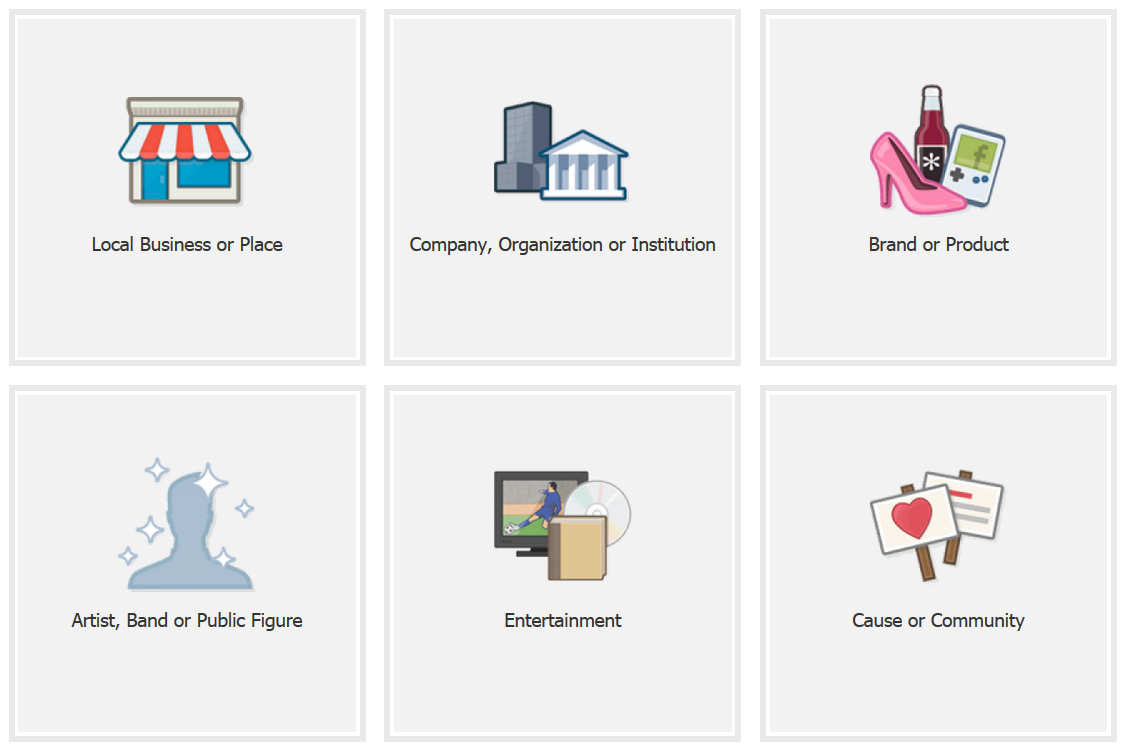
You will have a choice of 6 categories. You can choose
- Local Business or Place
- Company, Organization or Institution
- Brand or Product
- Artist, Band or Public Figure
- Entertainment
- Cause or Community
Choose the one most appropriate to you. This post with follow the ‘Company, Organization or Institution’ track, but the others are similar in implementation:
Once you have selected the appropriate category, you will be asked to enter your type of organization and the organization name:
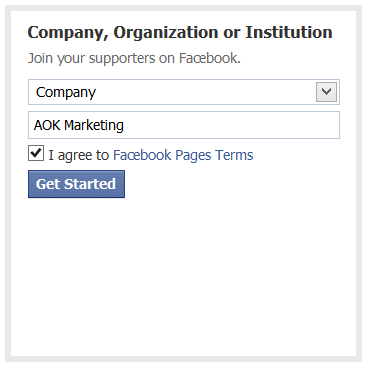 Then click on the ‘Get Started’ button.
Now you will be asked to set up your page:
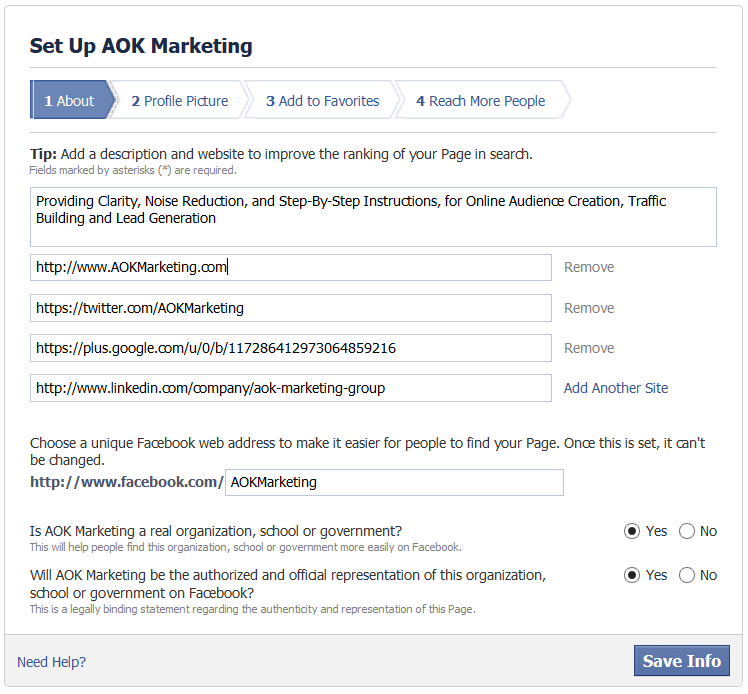
Fill out as much information as possible – adding links to all your other social media pages.
5 – Add a Profile Picture
Pick a logo or another image that people associate with your business to use as a profile picture.
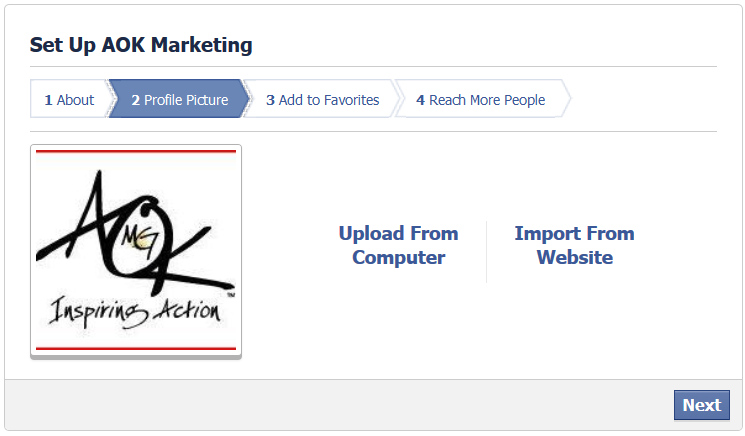
Then add the page to favorites. It will show up on the left side bar when you log into Facebook. This just makes it easier to access.
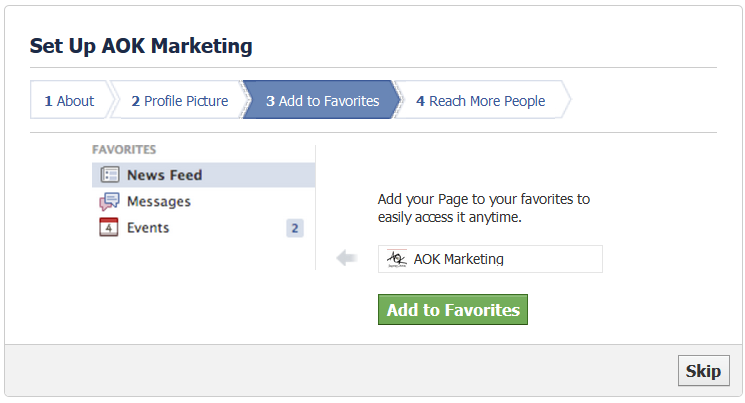
You will then be taken right to the ‘Promote your page’ ads builder. You can do this if you want, but it’s better to have some history and posts in your timeline first.
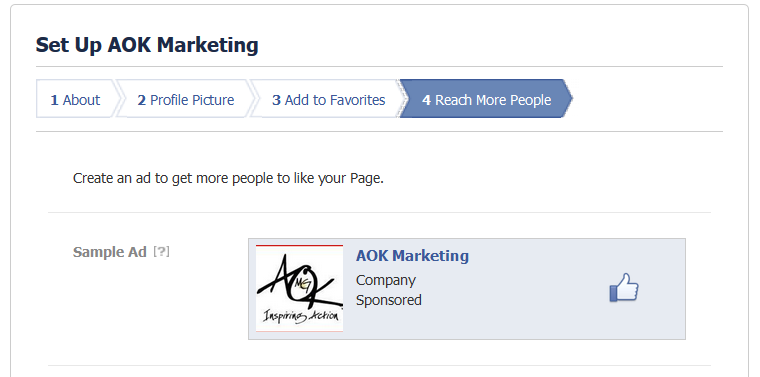
I would just click ‘Skip’ at the bottom for now.
You’re almost done!
You just have to add a cover photo, and you can customize the page later on. In the middle of the admin page, on the right side there is a ‘add cover photo’
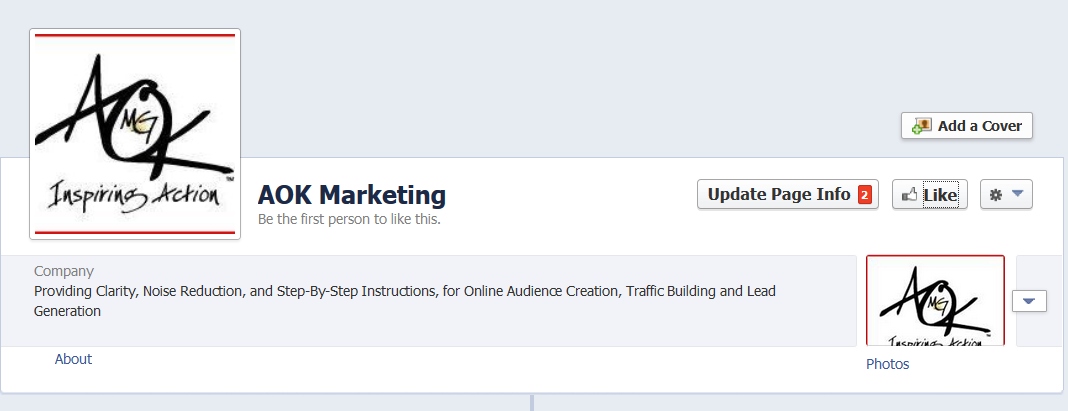

Choose a cover photo that represents your brand and showcases your product or service. It’s the first thing people will see when they visit your Page. Bright color, visually appealing graphics are a great place to start.
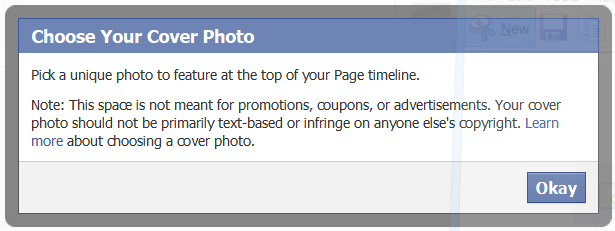
You can choose from existing photos, or upload a photo:

And now you’re done!
One last thing to keep in mind:
You will now be logged in as ‘Your Page’. You are now posting, commenting, and liking as the page you just set up. You can change back to your personal profile to post / like / comment if you prefer.

Happy Marketing!
Dave Burnett
Click Here to Connect with Dave on Google+: www.google.com/+DaveBurnett
About The Author